Image Conversion into EPS Format
Have you ever tried enlarging a logo or image for printing, only to end up with a blurry, pixelated mess? It’s a common problem. What looks sharp on a computer screen can quickly lose quality when printed on banners, apparel, signs, or promotional products.
That’s where Image Conversion into EPS Format becomes important. Converting an image into an EPS file helps preserve quality, scalability, and professional printing standards. Whether you're preparing artwork for embroidery, screen printing, or large-format graphics, understanding EPS conversion can save time, money, and frustration.
In this guide, you'll learn what EPS files are, why they matter, and how to convert images into EPS format effectively.
What Is an EPS File?
EPS stands for Encapsulated PostScript. It is a vector-based file format commonly used in graphic design, printing, branding, and apparel decoration.
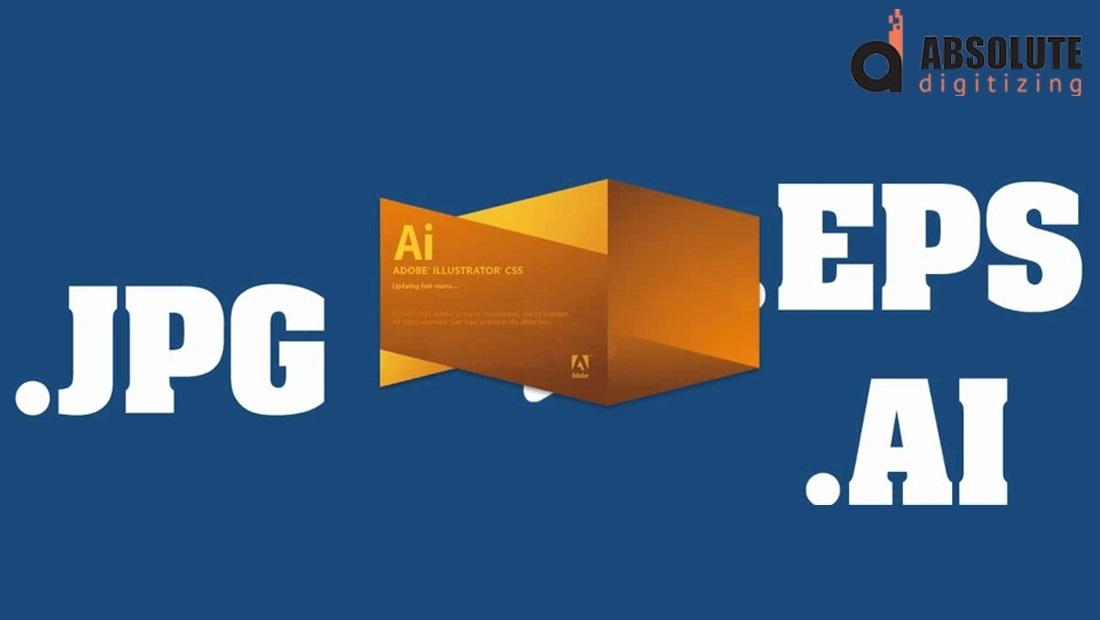
Unlike regular image formats such as JPG or PNG, EPS files use mathematical paths rather than pixels. This allows artwork to be resized without losing quality.
Key Features of EPS Files
- Infinite scalability
- High-quality printing output
- Editable vector paths
- Compatibility with professional design software
- Ideal for logos, illustrations, and artwork
Think of an EPS file as a blueprint rather than a photograph. No matter how large you make it, the lines remain crisp and clear.
Why Image Conversion into EPS Format Matters
Many businesses start with a simple logo saved as a JPG or PNG file. While these formats work well online, they often create problems during printing.
Benefits of EPS Conversion
Superior Print Quality
EPS files maintain sharp edges and clean lines, making them perfect for:
- Business logos
- Promotional products
- Signage
- Vehicle graphics
- Custom apparel
Easy Resizing
A vector EPS file can be enlarged for a billboard or reduced for a business card without losing clarity.
Better Editing Flexibility
Designers can easily modify:
- Colors
- Shapes
- Text elements
- Layouts
Professional Production Standards
Most print shops and decoration companies prefer vector files because they simplify production and reduce errors.
Raster Images vs. EPS Vector Files
Before discussing conversion, it helps to understand the difference between raster and vector graphics.
| Raster Images | Vector EPS Files |
|---|---|
| Made of pixels | Made of mathematical paths |
| Lose quality when enlarged | Maintain quality at any size |
| JPG, PNG, BMP formats | EPS, AI, SVG formats |
| Best for photographs | Best for logos and artwork |
If you've ever zoomed into a photo and seen blurry squares, you've seen the limitation of raster graphics.
How Image Conversion into EPS Format Works
Converting an image into EPS format is more than simply changing the file extension.
The process typically involves vector tracing.
Step 1: Analyze the Original Artwork
Designers evaluate:
- Image quality
- Resolution
- Complexity
- Color count
High-resolution images usually produce better vector conversions.
Step 2: Create Vector Paths
Each shape, line, and color area is recreated using vector paths.
This allows the artwork to remain scalable and editable.
Step 3: Clean Up the Artwork
During conversion, unnecessary elements are removed, and edges are refined for a cleaner appearance.
Step 4: Save as EPS
Once vectorization is complete, the design is exported as an EPS file ready for printing or production.
Best Types of Images for EPS Conversion
Not all images convert equally well.
Ideal Candidates Include:
- Company logos
- Text-based graphics
- Simple illustrations
- Brand marks
- Icons
- Line art
More Challenging Images:
- Complex photographs
- Highly detailed artwork
- Images with shadows and gradients
- Low-resolution graphics
For complex images, manual vector tracing often produces better results than automatic conversion.
Common Uses for EPS Files
EPS files are widely used across multiple industries.
Printing Industry
EPS files help produce:
- Business cards
- Flyers
- Brochures
- Posters
- Packaging
Embroidery Digitizing
Vector artwork serves as a clean foundation for embroidery digitizing projects.
Screen Printing
Sharp vector lines ensure accurate color separation and cleaner prints.
Promotional Products
EPS files are commonly used for:
- Hats
- Shirts
- Mugs
- Pens
- Corporate gifts
Tips for Better EPS Conversion Results
If you're planning an Image Conversion into EPS Format, follow these best practices.
Use High-Resolution Images
The clearer the original artwork, the better the final vector file.
Simplify Complex Designs
Removing unnecessary details can improve conversion accuracy.
Maintain Original Colors
Accurate color references help preserve brand consistency.
Use Professional Vectorization
Automatic conversion tools can be helpful, but manual vector tracing often delivers superior results.
Keep Text Editable
Whenever possible, provide original font information to simplify editing.
Why Businesses Choose Professional EPS Conversion Services
While DIY tools exist, professional vector conversion often provides better results.
Benefits include:
- Precise artwork recreation
- Cleaner vector paths
- Better scalability
- Print-ready file preparation
- Reduced production issues
At Absolute Digitizing, professional artists carefully convert artwork into clean, production-ready EPS files that meet commercial printing and branding requirements.
Common Mistakes to Avoid
Many people make avoidable errors when converting artwork.
Using Low-Quality Images
Poor-quality source files produce poor vector results.
Relying Entirely on Auto-Tracing
Automatic tools can create rough edges and unnecessary anchor points.
Ignoring Color Accuracy
Brand colors should remain consistent throughout the conversion process.
Forgetting File Testing
Always review the EPS file at different sizes before production.
Conclusion
Image Conversion into EPS Format is one of the most important steps in preparing artwork for professional printing, embroidery, and promotional products. EPS files provide unmatched scalability, sharpness, and flexibility compared to traditional image formats.
Whether you're working with a company logo, marketing graphic, or custom illustration, converting your artwork into a high-quality EPS file ensures better results across every application. By starting with quality artwork and following proper vectorization practices, you'll create files that look professional at any size.
For businesses that require reliable, production-ready vector artwork, professional EPS conversion services from Absolute Digitizing can help ensure accuracy, quality, and long-term usability.
FAQs
What is Image Conversion into EPS Format?
Image Conversion into EPS Format is the process of transforming a raster image, such as JPG or PNG, into a scalable vector EPS file suitable for professional printing and design applications.
Why is EPS better than JPG for printing?
EPS files maintain sharp quality at any size because they are vector-based, while JPG images can become blurry when enlarged.
Can photographs be converted into EPS files?
Yes, but photographs often require extensive vector tracing and may not achieve the same simplicity and scalability as logos or illustrations.
Is EPS format suitable for embroidery digitizing?
Yes. EPS files provide clean vector artwork that can serve as an excellent starting point for embroidery digitizing projects.
How do I know if my EPS file is print-ready?
A print-ready EPS file should contain clean vector paths, accurate colors, editable elements when needed, and no pixelation when scaled.

 Arabic
 French
 Spanish
 Portuguese
 Deutsch
 Turkish
 Dutch
Dutch
 Italiano
 Russian
 Romaian
 Portuguese (Brazil)
 Greek
Greek